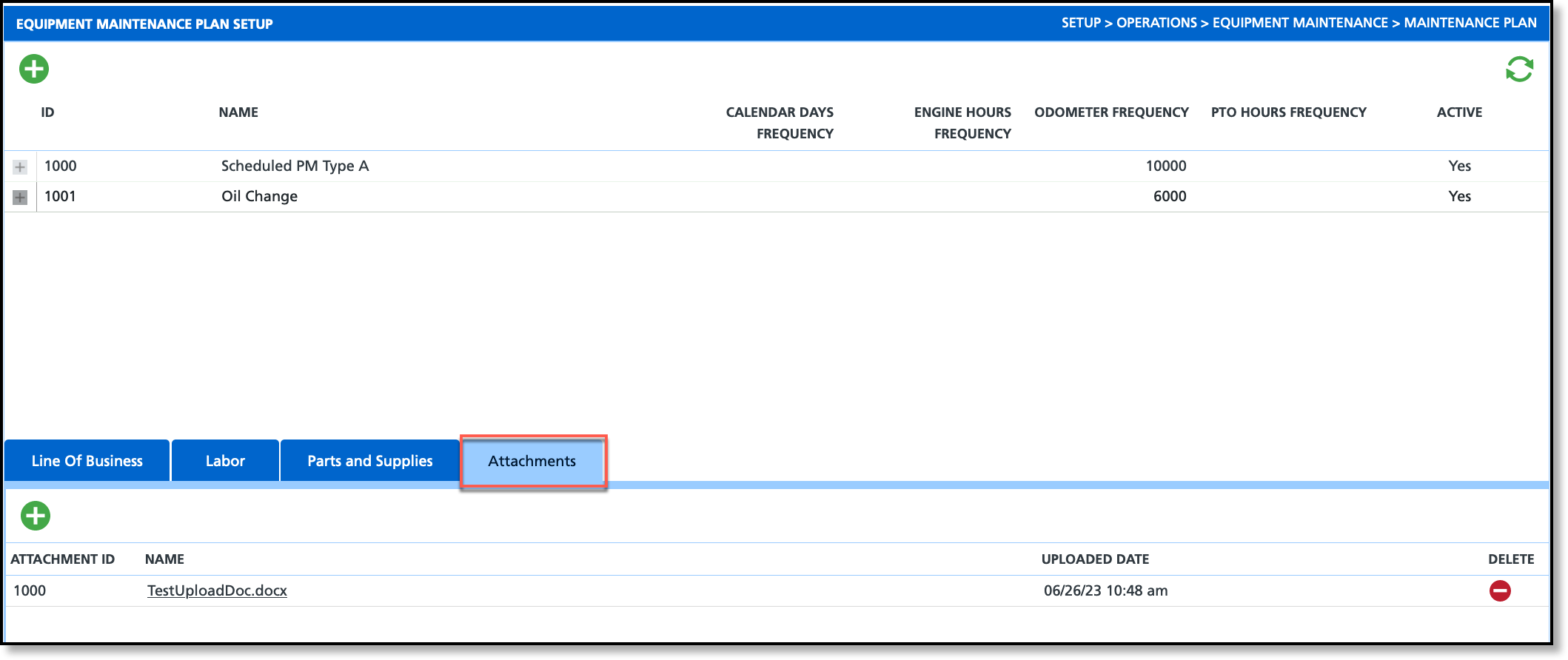
Pathway: Setup > Operations > Equipment Maintenance > Maintenance Plan
The Equipment Maintenance Plan Setup screen combines the equipment maintenance configurations added in Work Code and Parts and Supplies to establish a comprehensive maintenance plan for trucks and equipment.
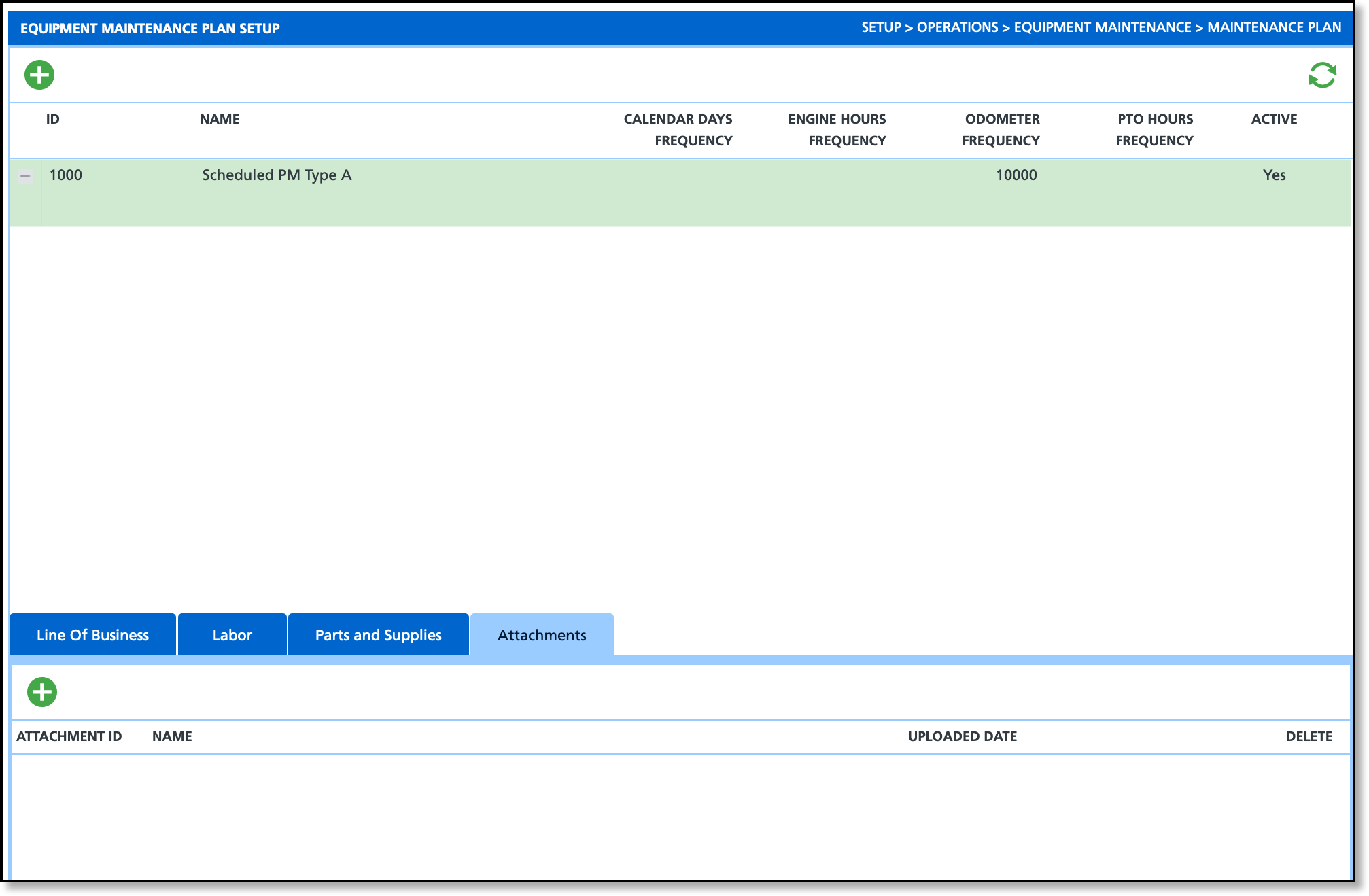
Field Descriptions
Field Description Schedule (Upper Grid) ID The ID assigned to the plan once it has been saved. Name Displays the name of the equipment maintenance plan. Calendar Days Frequency Displays the frequency at which maintenance should occur determined by calendar days. Engine Hours Frequency Displays the frequency at which maintenance should occur based on the number of hours recorded on the engine. Odometer Frequency Displays the frequency at which maintenance should occur based on the distance driven. PTO Hours Frequency Displays the frequency at which maintenance should occur based on the PTO measurement.
Active Indicates if the maintenance plan is available for use. Line of Business Line of Business Displays each line of business the equipment maintenance can be available to. Labor Work Code Displays the available work codes previously created in Setup > Operations > Maintenance Equipment > Work Code. Estimated Hours Displays the estimated labor hours it will take to complete maintenance work. Note Displays a note if one was entered for the work code. Parts and Supplies Work Code Displays the available equipment parts previously created in Setup > Operations > Maintenance Equipment > Parts and Supplies. Quantity Displays the quantity of parts needed for maintenance. Note Displays the note entered in Parts and Supplies setup for the work code. Attachments Attachment ID Displays the ID assigned to the attachment upon upload. Name Displays the name for the attachment. Uploaded Date Displays the date the attachment was uploaded. Delete Option to delete the attachment from the list of Attachments.
Add Equipment Maintenance Plan
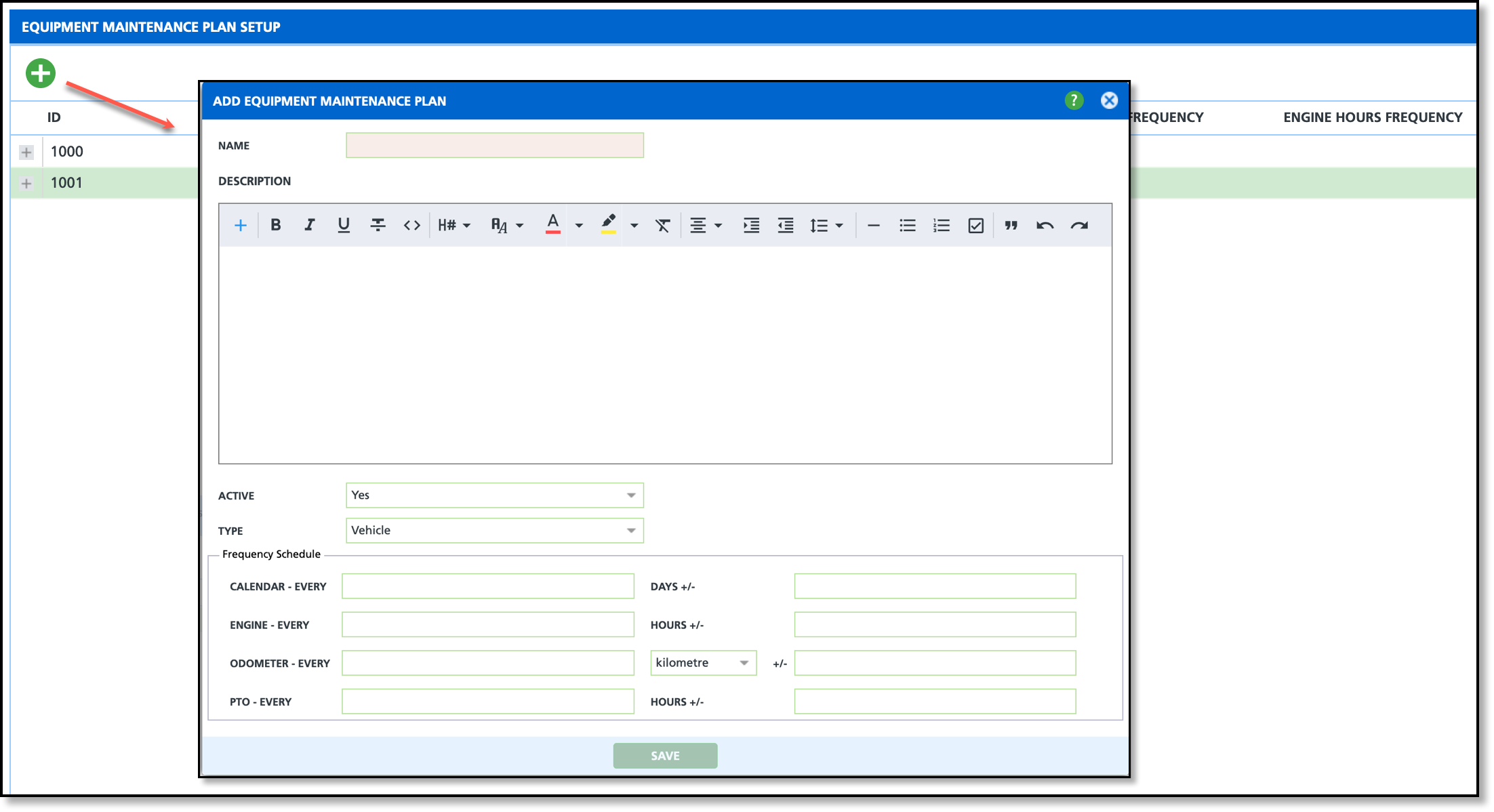
Create a Maintenance Plan: Tabs
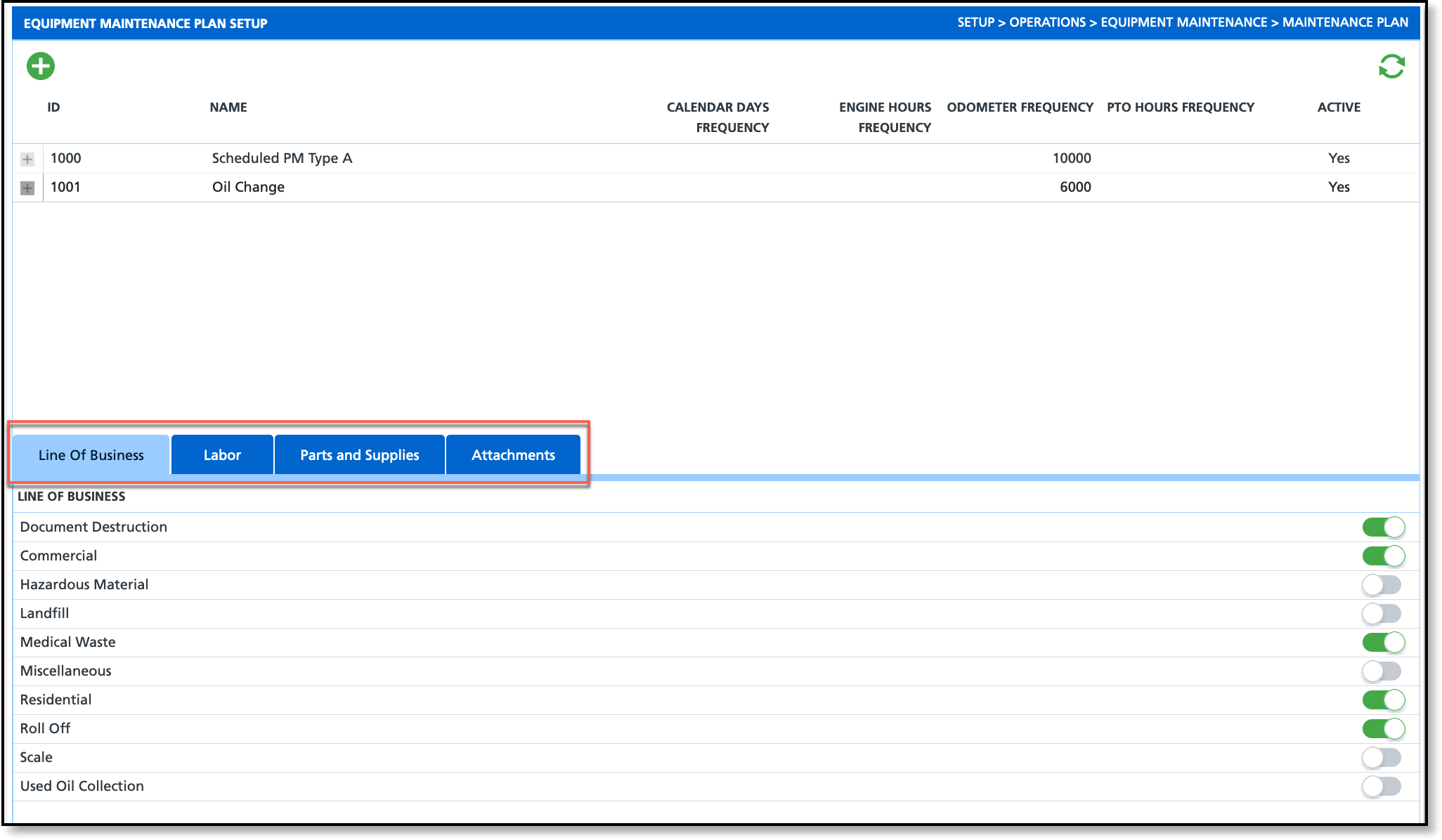
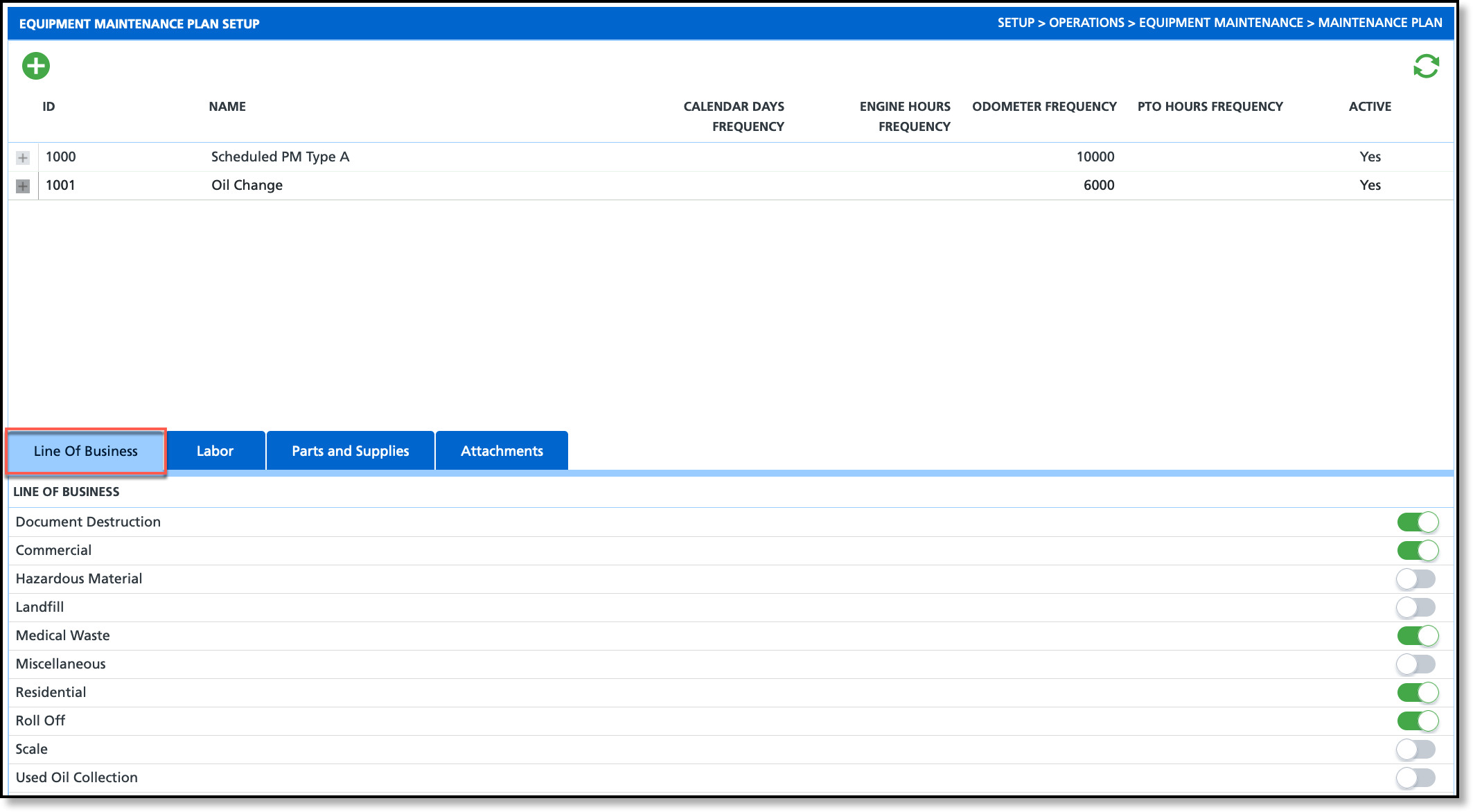
Add: Line of Business
Select the Line of Business tab to assign each line of business the maintenance plan should be available to using the toggle buttons.
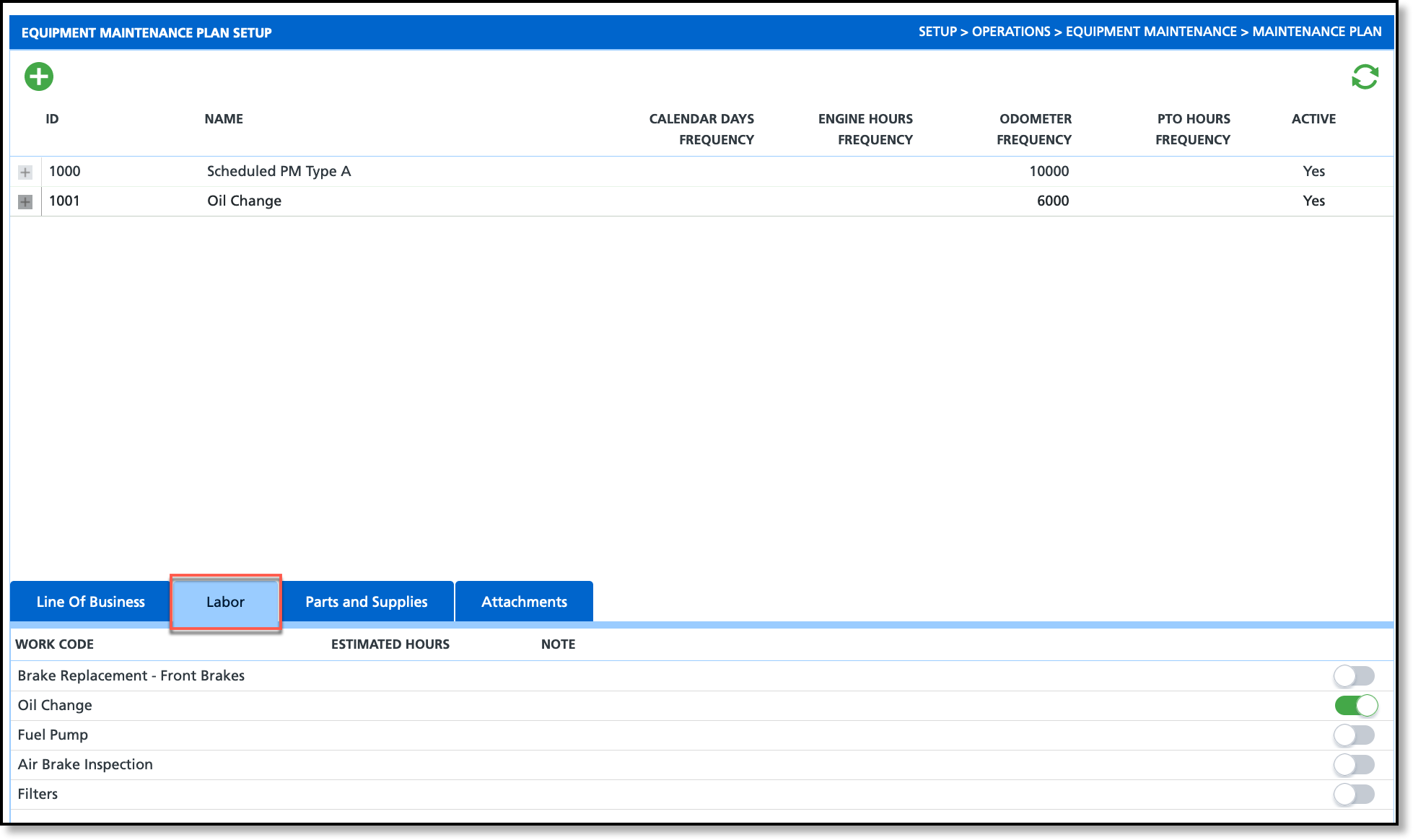
Add: Labor
Select the Labor tab and add all work codes that the maintenance plan should include using the toggle buttons.
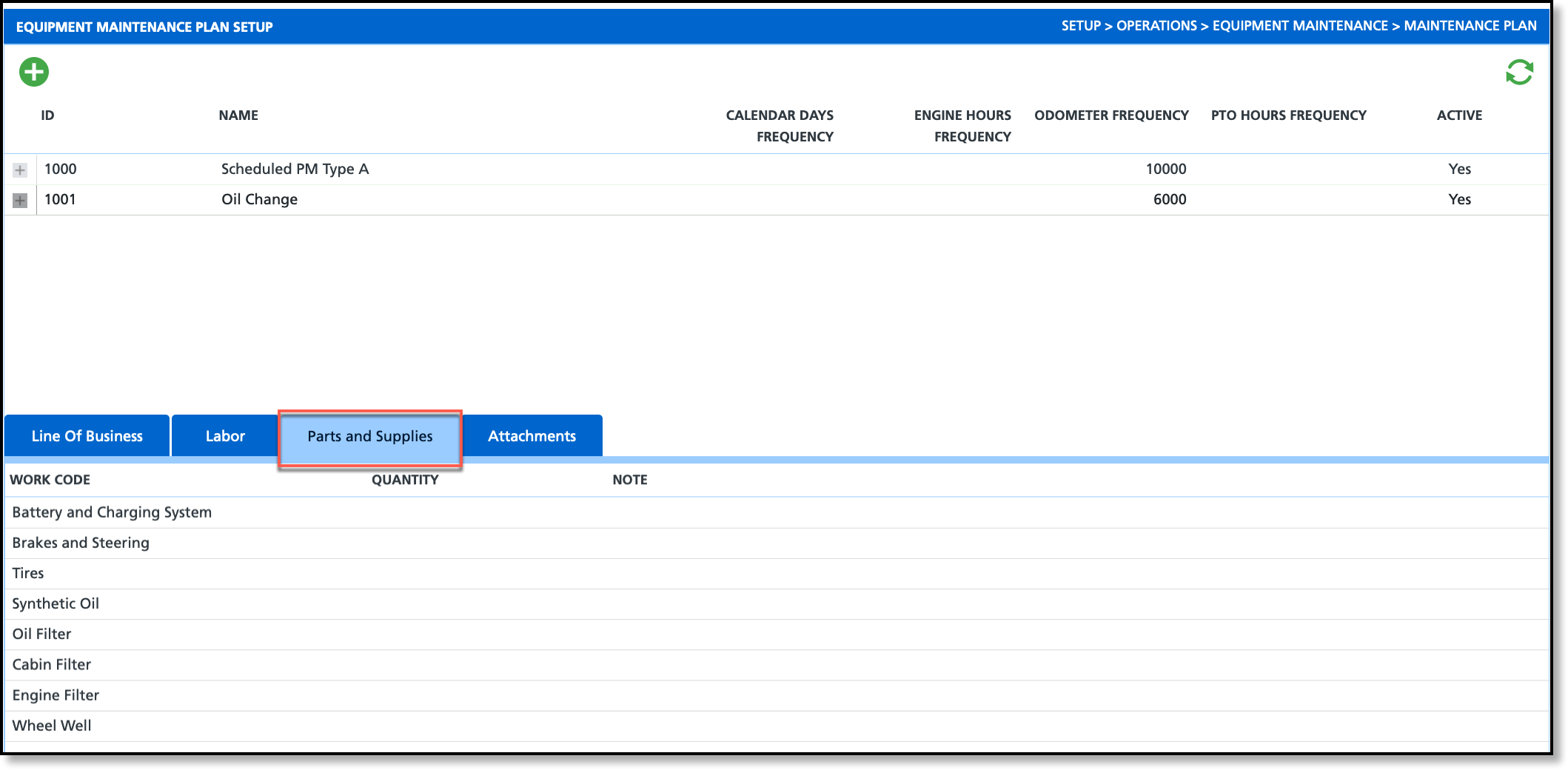
Add: Parts and Supplies
Select the Parts and Supplies tab and add all work codes for the parts and supplies needed to perform the required maintenance for the plan.
Add: Attachments
Select the Attachments tab to upload any attachments such as maintenance plan sign-offs or requirements that can be reviewed or printed.