Parent and Child Accounts
Last Modified on 04/01/2026 9:34 am PDT
Pathway: Customer Service Screen (Accounts)
To accommodate accounts with multiple sites where each require a separate AR History, an account can be established as a “Parent” account with child accounts linked to it. This allows each site to maintain its own AR Aging, while also providing added flexibility in areas such as billing.
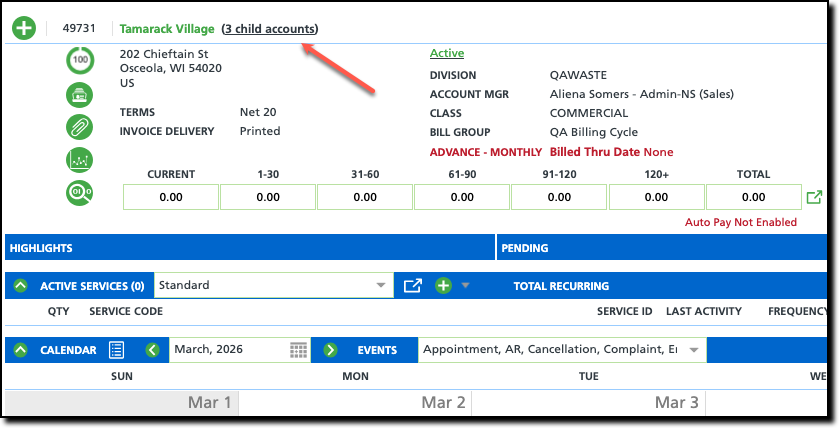
Link a Child Account to a Parent Account
Linking child accounts to a parent account is a simple process that only requires entering the parent account's ID on the Edit Account screen for each child account.
Identification of Parent/Child Accounts
Once a parent/child link has been established between accounts, the linked account name and its parent/child relationship will display in parentheses next to the account currently being viewed. When viewing a parent account, the number of associated child accounts will display as a hyperlink to the Child Account List.
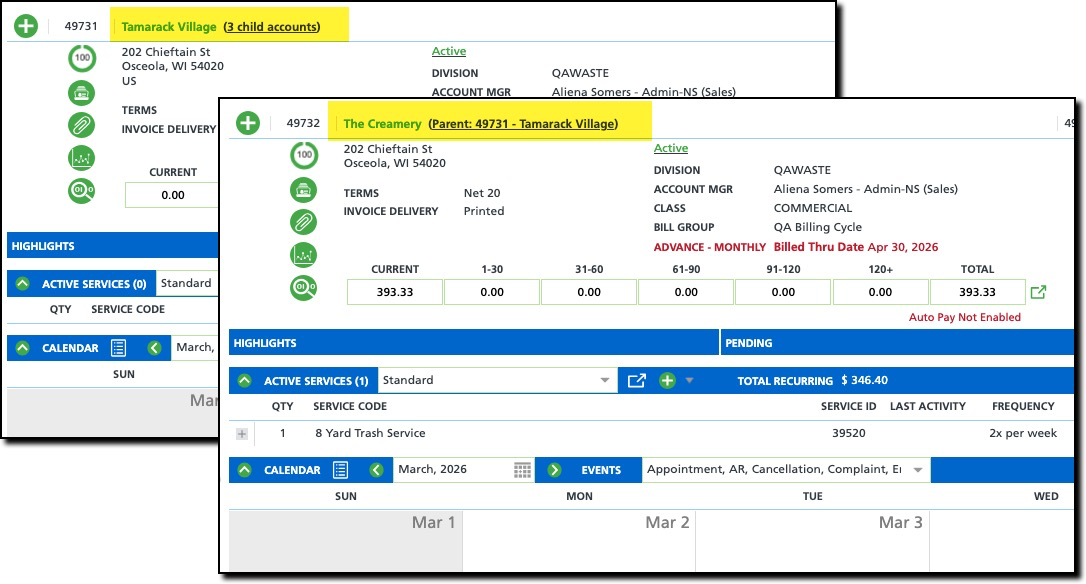
| In this example, Tamarack Village is the parent account, and The Creamery is one of three child accounts associated with it. |
View All Linked Child Accounts - Child Account List
To view all child accounts linked to a parent account, select the child account hyperlink. This will open the Child Account List, which includes a summary of each account’s AR aging status.
Considerations for Parent/Child Setup vs Account/Site Setup
Before moving forward with Parent/Child account setup, consider some of the following:
Area of Impact | Account/Site Setup | vs. | Account/Account Setup (Parent/Child) |
| Account Contacts | A contact can be created for the account with access to all sites. This includes a billing contact.
|
| An account contact and a billing contact must be added to the parent account and individually to all child accounts. |
| Portal Access | A contact can be given portal access to all sites when added as a contact for the account. |
| A contact must be added to the parent account and to all child accounts for portal access to be granted. |
| Notes | Account level notes display for all sites associated with the account. |
| Account level notes must be added to the parent account and to all child accounts. |
| AR History | The AR History screen displays the account's balance across all sites for services they have received. |
| AR History for the child accounts are not visible on the parent account. |
| AR Management | All sites feed into one AR Aging bucket at the account level. |
| Each child account will report independent of the parent account. |
| Auto Pay | Auto Pay is set up at the account level and applies to all sites. |
| Auto pay (if desired) must be added to the parent account and to all child accounts it applies. |
| Billing | Billing settings provide options to have all sites follow the billing process established at the account level with the flexibility to adjust site level invoice and billing settings. |
| All child accounts are set up independently of the parent account which includes invoice and billing settings. |
| Shared Services | If a location shares services with another location, which allows for billing to be split between the two, the locations must exist under the same account. |
| Shared services between accounts is not available. |
| Blanket Purchase Orders | Blanket Purchase Orders are added to the account and made available to all associated sites, or exclusive to specific sites. These are also referred to as "Account Level PO's." |
| Blanket purchase orders can not be shared from a parent account to a child account. |

